
Join the most reactive Vida/Vdash support group on FACEBOOK CLICK HERE
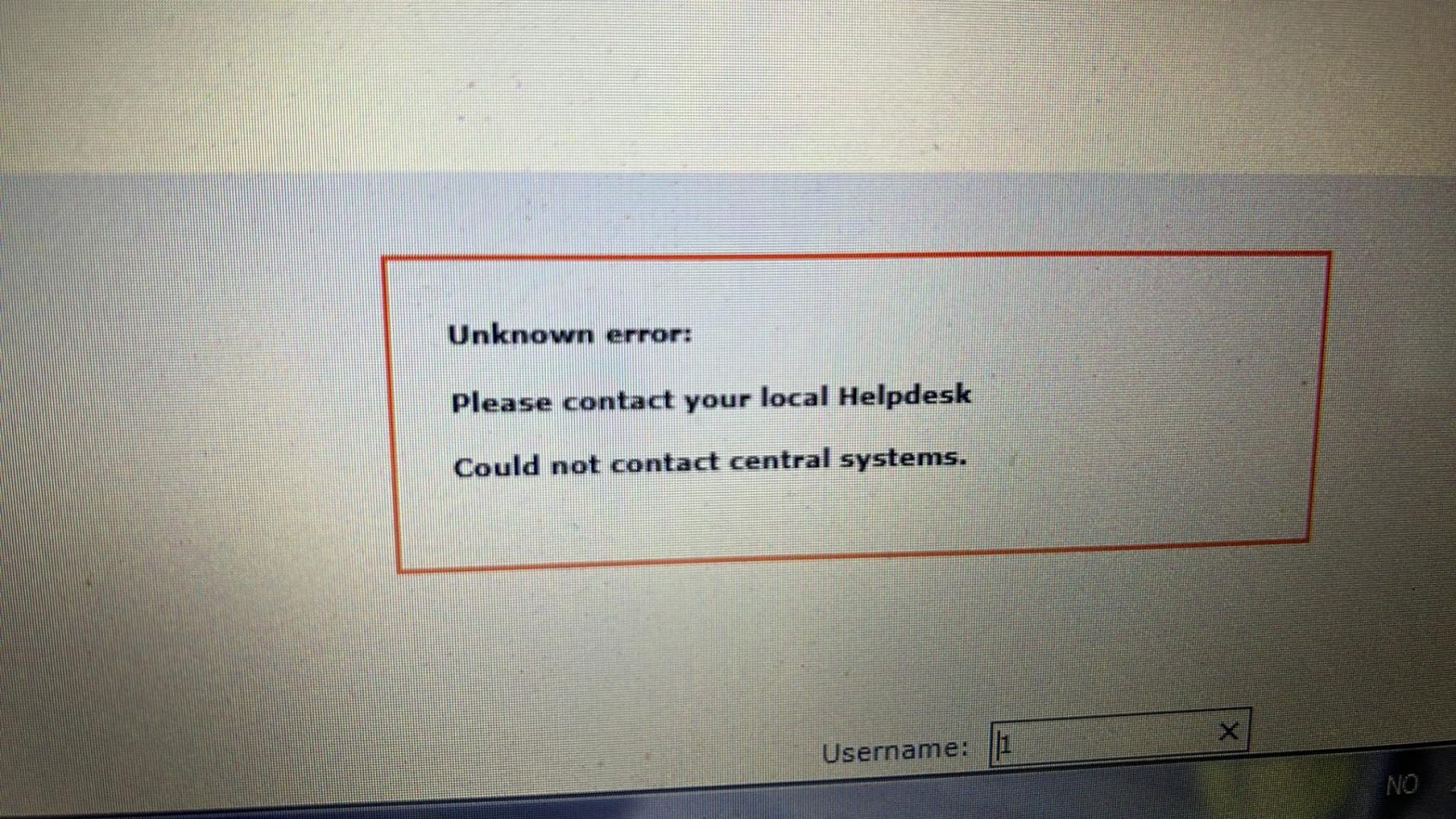
At various times , Vida 2014d will for reasons unknown, decide it needs to be re-patched.
It will not always generate an error, sometimes its just refreshes the page with no indication of whats wrong.
This patch will not expire until the year 2130 lol.
Follow these steps to fix it.
- Download this patch from HERE
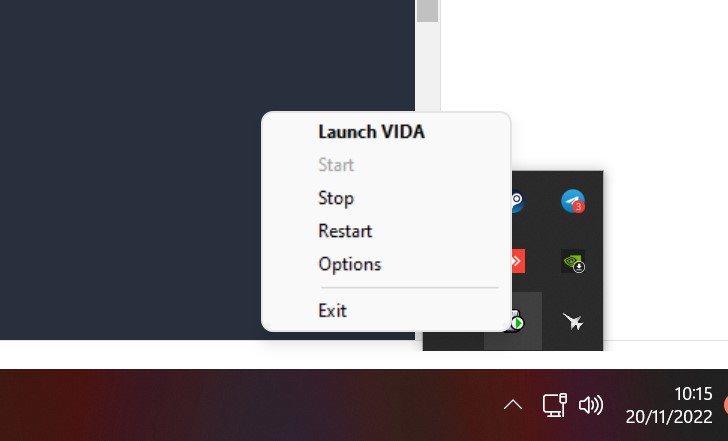
- Stop Vida Monitor by RIGHT clicking on Vida monitor down by the clock.
- Left click on Stop
- Right click on Vida monitor again and click exit
- now find the patch you downloaded (VOLVO VIDA 2014D Patch 213064bit.exe) and right click on it, and do run as administrator.
- The “Destination folder” SHOULD BE C:\ . C:\ is correct. Not c:\vida!
- Click install. It is usual for it to say TSkill is missing. thats fine.
- Done

I genuinely can’t believe im having to add this note for Virtual machine users…. but ….you have to run the patch in the virtual machine. Running on the host will have NO useful effect.
If your VM doesn’t have internet access, you can copy and paste the patch between the host and the VM, or put the patch on a USB memory stick and redirect it to the VM.
You may have to enable copy and paste in your VM. Google it.
SUPER !!
Excellent!